Modernizing Microsoft Access: Why Moving to the Cloud Isn't as Scary as It Sounds
The Microsoft Access Dilemma
If you're running a business with Microsoft Access databases at its core, you're not alone. For decades, Access has been the backbone of countless operations—from inventory management to customer tracking and everything in between. It's familiar, reliable, and your team knows how to use it.
But there's that nagging feeling, isn't there? The one that whispers: "This technology is getting old. What happens when it breaks? Is it holding us back?"
At Wolf Software Systems, we've guided dozens of businesses through the exact transition you're contemplating. The good news? Modernizing your Access applications through cloud migration doesn't have to be the nightmare scenario many imagine.
Why Businesses Hesitate to Move Access to the Cloud
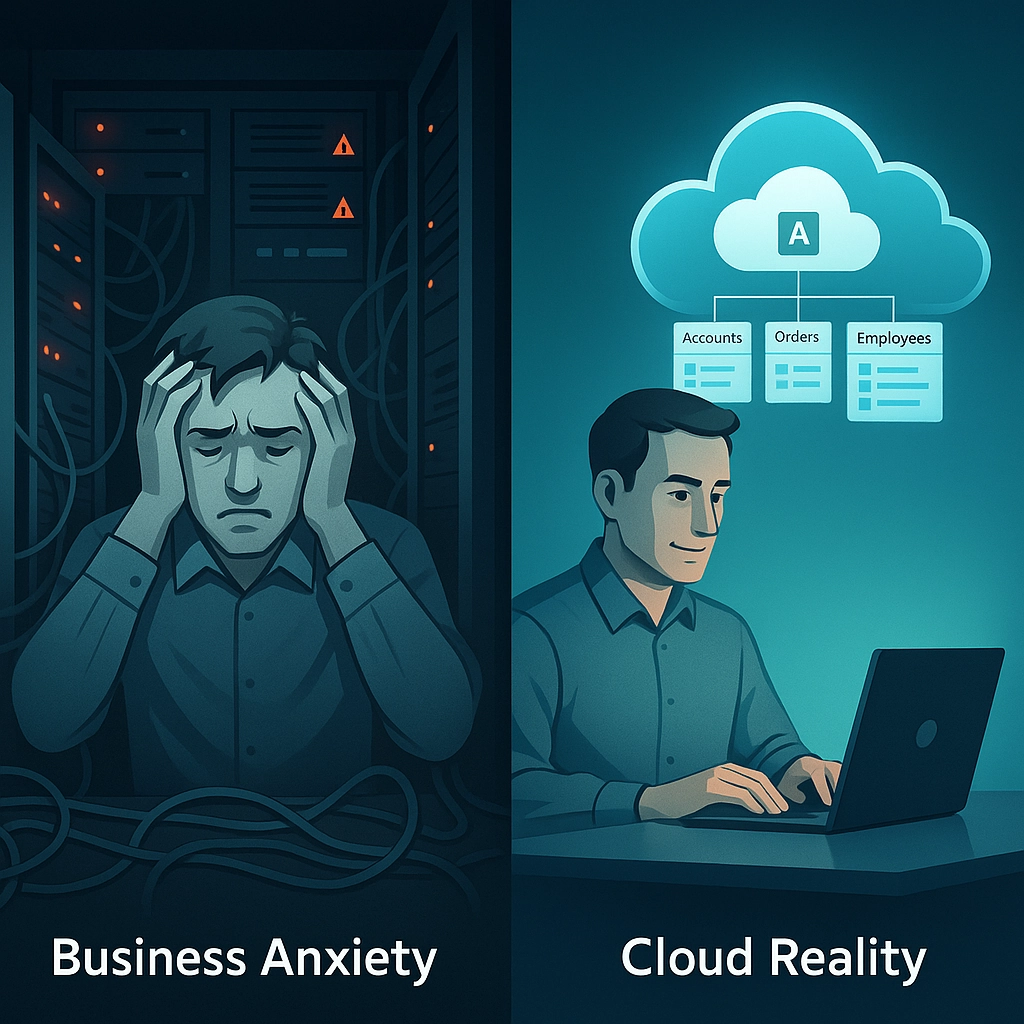
Let's address the elephant in the room—the fears that keep businesses tethered to on-premises Access:
"It'll Cost a Fortune"
The perception that cloud migration requires a massive upfront investment is one of the biggest barriers. Many business owners envision hefty consulting fees, new licensing costs, and extensive retraining expenses.
"We'll Lose All Our Data"
The thought of migrating years (sometimes decades) of critical business data creates understandable anxiety. What if something goes wrong? What if custom functions break? What if we can't access our information during the transition?
"Our Staff Will Revolt"
Your team has worked with your Access systems for years. They know the shortcuts, the workarounds, and how to get things done quickly. Introducing change risks disruption and resistance.
"Security Will Be Compromised"
Moving from a system that sits safely behind your firewall to something "out there" in the cloud raises legitimate security questions.
The Reality Check: Why Cloud Migration Makes Sense for Access
Now let's bust these myths with some reality:
From Capital Expense to Operational Flexibility
Traditional Access deployments require significant upfront investments in servers, licenses, and infrastructure. Cloud migration shifts this model to predictable operational expenses:
- Pay for what you use: Scale resources up or down based on actual needs
- Eliminate hardware refreshes: No more server replacement cycles every 3-5 years
- Reduce IT maintenance burden: Provider-managed infrastructure means fewer internal IT headaches
While critics argue that fully moving off Access incurs hidden costs (like SSL certificates or VPN infrastructure), hybrid approaches avoid these pitfalls by integrating cloud storage with existing desktop functionality.
Enhanced Data Protection, Not Diminished
Far from compromising your data, cloud providers typically offer security capabilities that exceed what most small to medium businesses can implement on-premises:
- Automated backups: Scheduled, redundant backups without manual intervention
- Geographic redundancy: Data replicated across multiple locations for disaster recovery
- Enterprise-grade encryption: Both at rest and in transit
- Advanced threat protection: Systems monitored 24/7 by security professionals
As one of our manufacturing clients discovered, their cloud-migrated Access application actually recovered from a ransomware attempt that would have crippled their on-premises systems.
Familiar Interface, Modern Capabilities
The beauty of well-executed Access modernization is that user interfaces can remain largely unchanged while the underlying infrastructure gets upgraded:
- Preserve existing workflows: Keep familiar screens and processes
- Add modern features incrementally: Mobile access, real-time collaboration, integration with other systems
- Enable remote work: Access your business systems securely from anywhere
Practical Approaches to Access Modernization
At Wolf Software Systems, we've developed several pathways to Access modernization, each tailored to different business needs:
1. The Lift-and-Shift Approach
This is the most conservative approach, where we simply relocate your existing Access database to cloud infrastructure with minimal changes:
- Benefits: Lowest risk, minimal disruption, familiar functionality preserved
- Best for: Businesses that primarily need improved accessibility and reduced infrastructure maintenance
- Limitations: Doesn't leverage all cloud benefits, may still have legacy constraints
2. The Hybrid Modernization
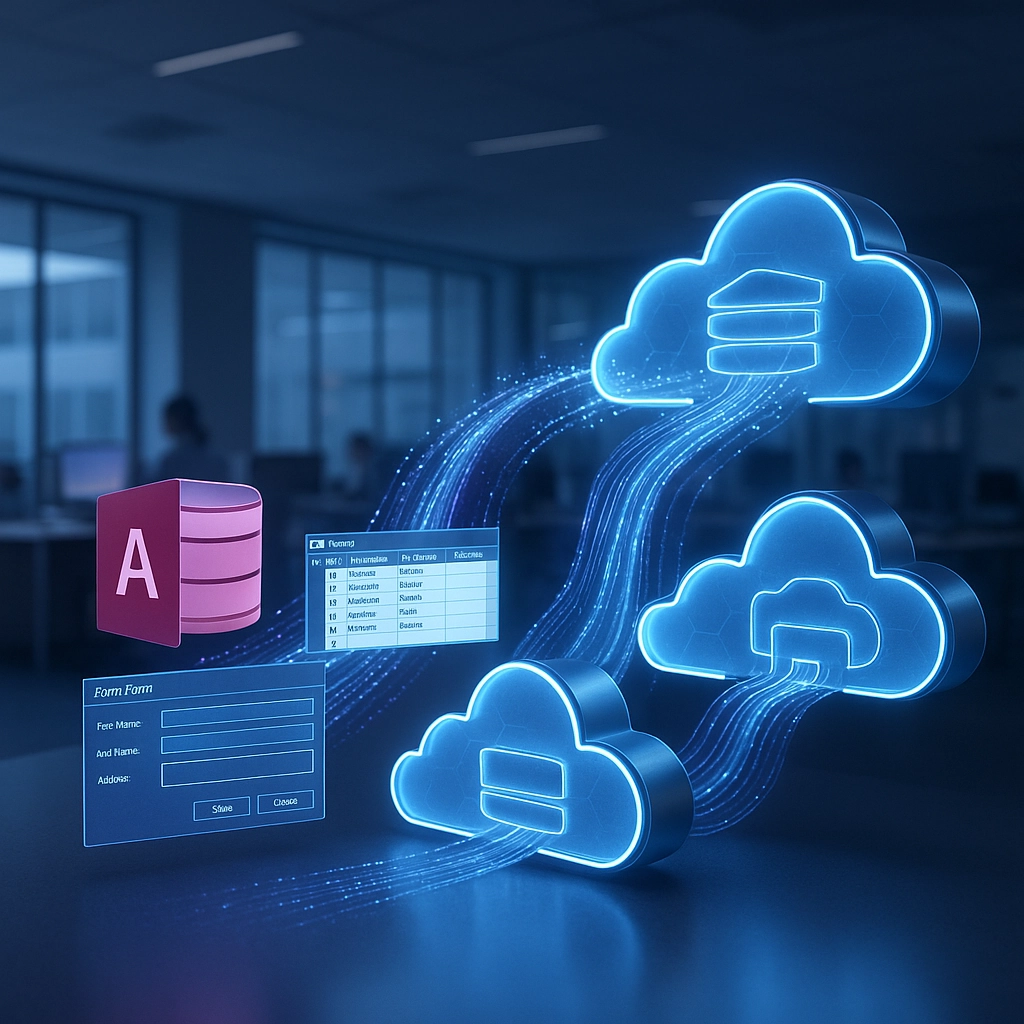
This middle-ground approach maintains your Access front-end while migrating data to modern cloud databases:
- Benefits: Improved performance, enhanced data security, familiar user experience
- Best for: Organizations wanting meaningful improvements without retraining staff
- How it works: Microsoft's Access Connector for Dataverse links on-premises Access apps to cloud-based services, enabling gradual modernization
3. The Complete Transformation
For businesses ready for comprehensive modernization, we can rebuild Access functionality using modern platforms like Microsoft Power Apps:
- Benefits: Full cloud capabilities, mobile access, advanced analytics, integration with Microsoft 365
- Best for: Forward-looking businesses wanting to leverage their data for competitive advantage
- Timeline: Can be implemented in phases to manage change and spread investment
Real-World Success: How Our Clients Made the Leap
Case Study: Regional Distribution Company
A distribution company had used Access for 15 years to manage inventory, orders, and deliveries. Their challenges included:
- Servers requiring replacement
- Growing remote workforce needing access
- Concerns about business continuity
Our solution involved a hybrid approach:
- Migrating data to Azure SQL
- Implementing secure cloud access to the existing Access front-end
- Gradually introducing Power Apps interfaces for mobile workers
Results:
- 40% reduction in IT infrastructure costs
- Elimination of VPN performance issues for remote workers
- Improved data recovery capabilities with automated backups
- No disruption to warehouse operations during transition
The Migration Process: What to Expect
When working with Wolf Software Systems on an Access migration, here's our typical process:
- Assessment: We evaluate your current Access applications, dependencies, and business processes
- Strategy Development: We design a migration approach that balances risk, cost, and business benefit
- Proof of Concept: We test the approach with a non-critical subset of your data
- Migration Execution: We implement the solution with careful testing at each stage
- Training and Support: We ensure your team is comfortable with any changes and provide ongoing support
Future-Proofing Your Business Applications
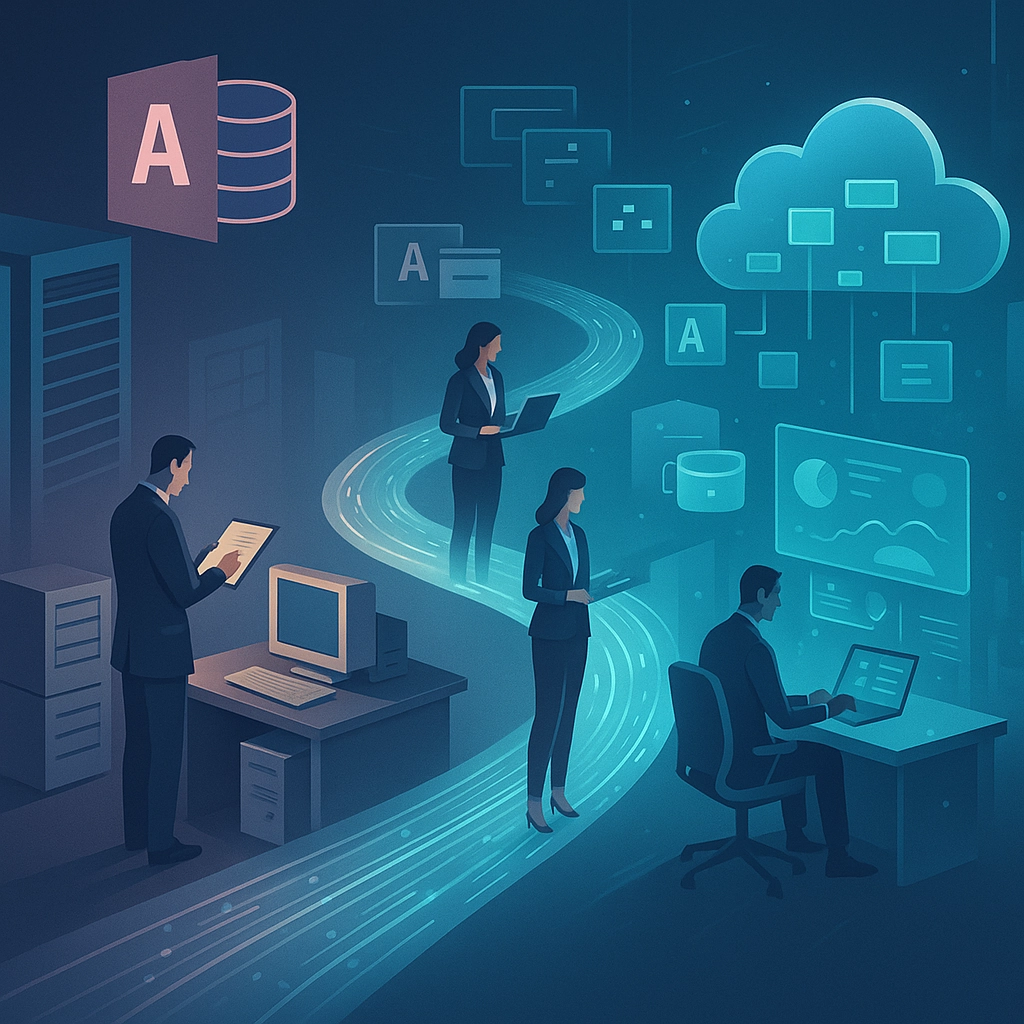
Perhaps the most compelling reason to consider Access modernization isn't what it solves today, but what it enables tomorrow:
- Integration with AI and analytics: Modern cloud platforms open doors to business intelligence that simply isn't possible with traditional Access
- Workflow automation: Connect your systems to the broader Microsoft ecosystem for streamlined processes
- Scalability: Remove the technical constraints that may be limiting your business growth
Taking the First Step
If your business relies on Microsoft Access applications, modernization isn't a question of "if" but "when" and "how." The good news is that with the right approach, the process can be gradual, controlled, and far less disruptive than you might fear.
At Wolf Software Systems, we've guided numerous businesses through this exact transition. Whether you're looking for a simple lift-and-shift to reduce infrastructure costs or a complete modernization to enable new capabilities, we can help you navigate the options.
Ready to explore what Access modernization could mean for your business? Contact us for a no-obligation assessment of your current systems and discover the practical path forward that balances your business needs, technical requirements, and budget realities.
Remember: Moving your Access applications to the cloud isn't about abandoning what works—it's about preserving your valuable business logic while creating new possibilities for growth, efficiency, and innovation.