Auto Reconciling Xero Bank transcations
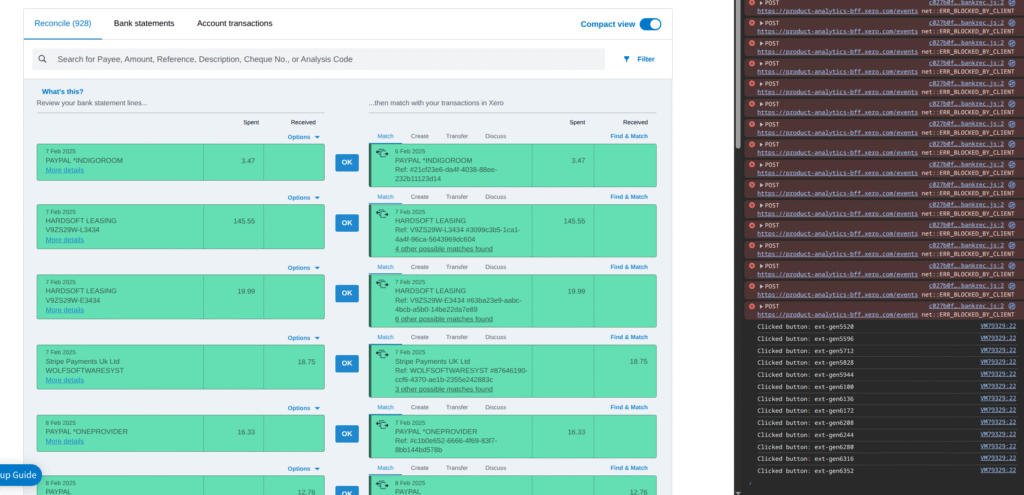
(Use this at your own risk; the transactions in the image are from the tests we did.)
So we just imported some 2500 transactions from a bank account to Xero accounting. This led to a need to click 2500 ok buttons. Xero support wanted us to click the OK button 2500 times. Which is probably not good for the mouse or your wrist.
So we wrote a script to automatically click the OK buttons until there were no more.
If you go to your bank reconciliation page, then right click and click “INSPECT”
Then go to CONSOLE

Type allow pasting and enter
Then paste this script and key Enter.
Note that this is an incredibly ropey way of doing it, and at some point we may build something using their API! Fun!
Note that things get screwy sometimes, so if it stops working, just refresh the page and start again to carry on.
Go enjoy coffee!
//(C)Wolf Software Systems 2025 https://wolf.uk.com

let intervalId; // Declare a variable to store the interval ID

function clickOkButtons() {
    let clickedCount = 0;
    try {
        // Select all 'a' elements with the specified classes and href, and an id starting with 'ext-gen'
        const okButtons = document.querySelectorAll(
            'a.xbtn.skip.okayButton.exclude[id^="ext-gen"][href="javascript:"]'
        );

        if (okButtons.length === 0) {
            console.log('No "OK" buttons found matching the criteria. Stopping auto-click.');
            clearInterval(intervalId); // Stop the interval if no buttons are found
            return;
        }

        okButtons.forEach(button => {
            // Check if the button is visible before attempting to click
            const computedStyle = window.getComputedStyle(button);
            if (computedStyle.visibility === 'visible') {
                button.click(); // Simulate the click event
                console.log('Clicked button:', button.id);
                clickedCount++;
            } else {
                console.log('Skipped hidden button:', button.id);
            }
        });

        if (clickedCount > 0) {
            console.log(`Successfully clicked ${clickedCount} "OK" button(s). Checking again in 20 seconds.`);
        } else {
            console.log('Found buttons, but none were visible to be clicked. Checking again in 20 seconds.');
        }

    } catch (error) {
        console.error('An error occurred during button clicking:', error);
        clearInterval(intervalId); // Stop the interval on error
    }
}

// Start the auto-clicking process
console.log('Starting auto-clicker for "OK" buttons. Will check every 20 seconds.');
intervalId = setInterval(clickOkButtons, 20000); // Run clickOkButtons every 20000 milliseconds (20 seconds)

// You can manually stop the process by typing clearInterval(intervalId); in the console.
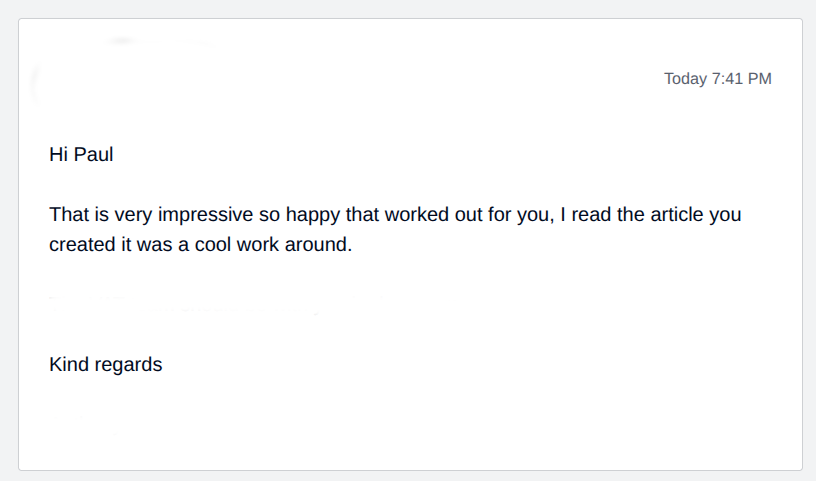
Xero themselves were even impressed!
If you need some proper Software Development or Server Clusters – Get in touch! Contact Us